


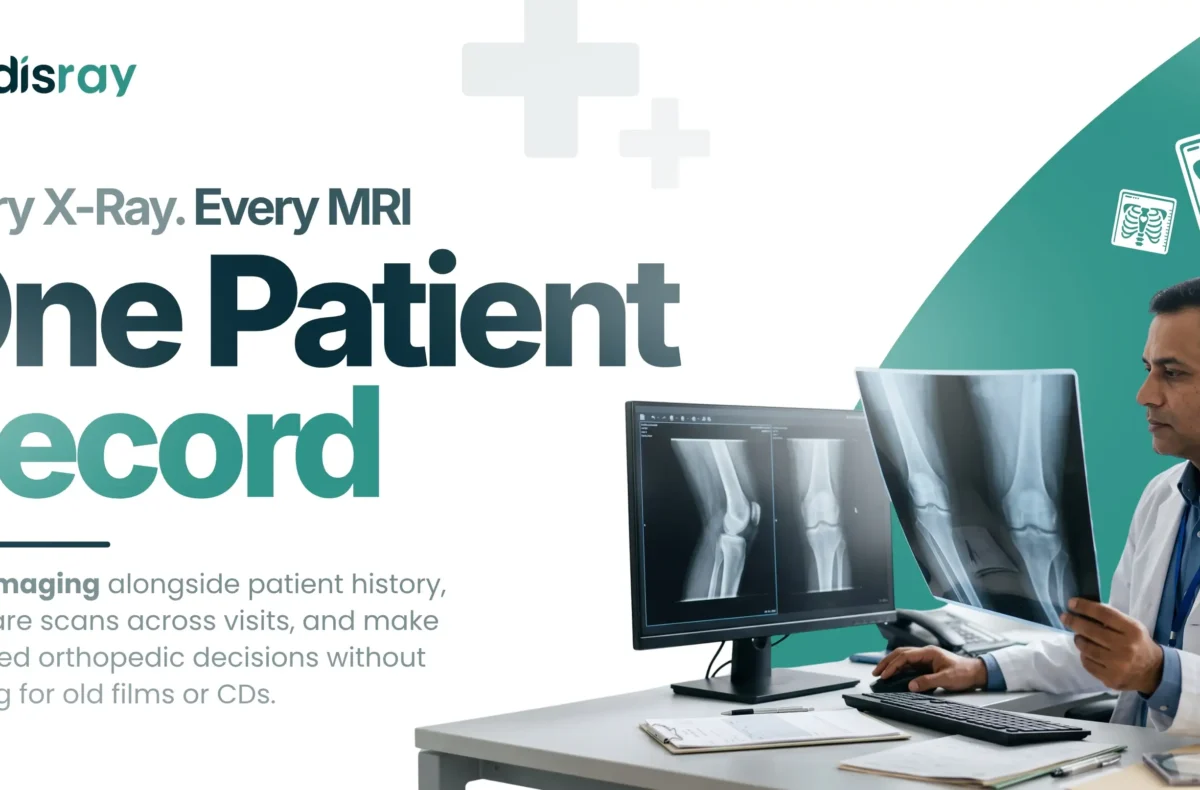
Orthopedics is a visual specialty. An X-ray or an MRI often decides the diagnosis and the plan, and the ability to compare images over time is central to tracking how a fracture heals or a joint responds. Yet in many clinics, those images live on CDs, loose films or a separate viewer, disconnected from the patient’s notes. Keeping orthopedic imaging records inside the patient file changes that, putting every scan beside the history it belongs to, ready in seconds. This guide explains why scattered imaging slows ortho care and creates risk, how a connected record speeds up decisions and protects you, and what to look for so your X-rays and MRIs finally live where they are actually used.
Why Imaging Is Central to Orthopedic Care
More than almost any other specialty, orthopedics runs on images. You cannot properly assess a fracture, a joint or a spine without them, and much of the follow-up is about comparing a new image with an earlier one to see whether things are healing as they should. That makes imaging not a supporting document but a core part of the clinical record. When images are treated as an afterthought, stored apart from the notes, the specialty is working against its own foundation. Recognising imaging as central is the first step to handling it properly.
The Problem With CDs, Films and Separate Viewers
The traditional ways of storing orthopedic imaging all share the same flaw: the image is separated from the patient’s record. A CD can be lost, scratched or left at home by the patient. Films pile up, fade and take space. A standalone viewer keeps images in one location you cannot reach from the consultation room, or on a machine only one person can access. In every case, when you need the image, you are hunting for it, and comparison across visits becomes a manual, error-prone chore. The result is slower consultations and, occasionally, decisions made without the prior image to hand.
What Connected Imaging Records Do
Keeping imaging inside the patient record means every X-ray and MRI is attached to the patient it belongs to, viewable from the same place as their notes. In practice, this lets you:
- Open any scan instantly during the consultation, without chasing a CD or film.
- Compare images across dates, so a healing fracture or a changing joint is visible at a glance.
- Show the patient their own images on screen, which makes explaining a plan far easier.
- Keep a complete, ordered history, so nothing is lost between visits or over the years.
The image stops being a separate object to locate and becomes part of the record you already work from.
Faster, Better-Informed Decisions
When imaging is one click away inside the record, consultations move faster and rest on firmer ground. You are not pausing to find a film or load a disc; the current scan and every previous one are already in front of you. That means quicker decisions and, more importantly, decisions made with the full imaging history rather than just the latest picture. In a busy ortho OPD, where patients at every stage of recovery share the waiting room, that instant access is often what keeps the clinic running to time while still giving each patient a properly informed review.
Comparison Over Time Is Where the Value Lives
The single greatest benefit of connected orthopedic imaging records is comparison. Healing and deterioration both reveal themselves over a sequence of images, not a single one, and a fracture that looks fine in isolation may tell a different story next to the scan from six weeks ago. When images sit together in the record, in date order, that progression is obvious. When they are scattered across discs and films, it is guesswork or a manual line-up on a lightbox. For a specialty built on tracking change over time, keeping images together is not a convenience; it is better medicine.
Protecting Yourself as Well as the Patient
There is a medico-legal dimension worth naming. A clear, dated, complete imaging history attached to the record is not only clinically useful; it is your evidence of what was seen and when, and of the basis for your decisions. If a case is ever questioned or reviewed, an ordered record of images and notes protects you far better than a box of undated films or a patient’s misplaced CD. Good record-keeping and good defence are the same thing here, and connected imaging is a large part of it.
How This Fits the Wider Ortho Toolset
This article focuses on the imaging record itself, and why keeping X-rays and MRIs in the patient file matters. Choosing the broader software that houses that record, and weighing features, pricing and support, is a wider decision covered in our guide to orthopedic practice management software. The two go together: connected imaging is a central feature of the clinical record, and the practice-management layer adds scheduling, follow-ups and reminders around it. When imaging and follow-up tracking work together, recovery reviews are both properly informed and reliably attended, which our guide on reducing no-shows supports.
Sharing Imaging With Patients and Referrals
Imaging is often most useful when it is shared, and doing that well is part of good record-keeping. Showing a patient their own X-ray or MRI on screen, and pointing to exactly what you see, turns an abstract explanation into something they understand and trust, which helps them accept and follow a treatment plan. Imaging also frequently needs to travel: to a physiotherapist guiding rehabilitation, to another specialist for an opinion, or with the patient for their own records. When images live in a connected record rather than on a single disc, sharing what is needed is straightforward and controlled, and the master copy always stays safely with you. Compare that to handing over the only CD and hoping it comes back. Being able to share imaging cleanly, while keeping the original in the patient record, supports better coordinated care across everyone involved in a patient’s recovery, without ever losing control of the underlying scans.
Keep Every Image Where It Is Actually Used
For an orthopedic practice, imaging is not paperwork to file away; it is the heart of diagnosis and follow-up. Keeping orthopedic imaging records inside the patient file, rather than on CDs, films or a separate viewer, means every scan is instantly available, easy to compare across visits, and safe from loss. That translates into faster consultations, better-informed decisions, clearer conversations with patients, and stronger protection for you. In a specialty defined by images, keeping them in the record is simply how good ortho care should work.
If you want every X-ray and MRI in one connected record, Medisray for orthopedic clinics keeps imaging beside the patient’s notes, ready to open and compare across visits, and always yours to keep. Stop hunting for films and start deciding from the full picture. Try Medisray free or book a demo, and give your ortho clinic imaging records that work as hard as you do.
Frequently Asked Questions
What are orthopedic imaging records?
They are X-rays, MRIs and other scans stored inside the patient’s record, attached to their notes, so every image is available from the same place, viewable and comparable across visits.
How should an orthopedic clinic store X-rays and MRIs?
Inside the patient record in clinic software, not on CDs, films or a separate viewer, so images are instantly available during the consultation, easy to compare over time, and safe from loss.
Why is storing imaging on CDs or films a problem?
CDs get lost or scratched and are often left at home, films fade and take space, and separate viewers keep images out of reach during the consultation, all of which slow care and risk decisions without the prior image.
Can orthopedic software compare images across visits?
Yes. Good orthopedic clinic software stores images in date order against the record, so you can view a new scan beside earlier ones and see healing or change at a glance.
Does keeping imaging in the record speed up consultations?
Yes. With every scan one click away inside the record, you do not pause to find a film or load a disc, so consultations move faster and rest on the full imaging history.
How do connected imaging records protect a doctor legally?
A clear, dated, complete history of images and notes is your evidence of what was seen and the basis for your decisions, which protects you far better than undated films or a patient’s misplaced CD if a case is reviewed.
Do I need a separate PACS system for a small ortho clinic?
Not always. For many small clinics, keeping imaging attached to the patient record in clinic software covers the core need of storing, viewing and comparing scans without a separate heavyweight system.
Is imaging storage useful for a solo orthopedic surgeon?
Yes. A solo surgeon benefits most from instant, comparable imaging in the record, since there is no team to retrieve films, and the record becomes the reliable, complete history of every patient.