

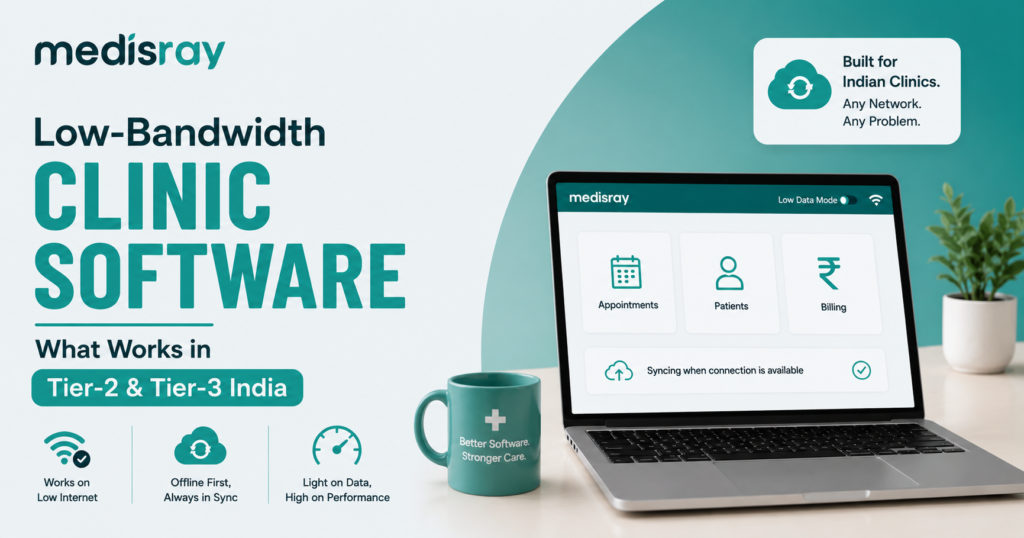
Low-bandwidth clinic software is built to run smoothly on slow or patchy internet, the reality in most Tier-2 and Tier-3 cities. It uses a lightweight interface, keeps data transfer small, and recovers gracefully when the connection drops, so consultations and billing keep working even when the network doesn’t. The key is design, not just a fast connection.
If your clinic’s software freezes every time the network dips, the problem usually isn’t your internet plan; it’s software built for metro-grade connections. This guide covers why bandwidth is a real constraint outside the big cities, what “low-bandwidth-friendly” means, the features and red flags to watch, and a checklist to run before you buy.
Why is bandwidth a real constraint outside metros?
Bandwidth is a real constraint in Tier-2 and Tier-3 India because connectivity thins out sharply beyond the metros. TRAI’s early-2026 data shows rural internet density at roughly 48 connections per 100 people, against about 127 in urban areas and India’s official “broadband” bar is just 2 Mbps, so even a “broadband” line can be slow.
The averages hide the daily reality. A clinic may have a decent connection at 8 a.m. that crawls during evening OPD when the whole neighbourhood is online. Mobile coverage varies street to street, weather degrades signals, and power cuts take routers down too. For many practices the internet isn’t absent, it’s inconsistent which is harder for software to handle than a clean disconnection. So, the fix isn’t only a better plan it’s software built to expect imperfect conditions.
What does “low-bandwidth-friendly” clinic software actually mean?
Low-bandwidth-friendly software has three traits: a lightweight interface that loads fast without heavy graphics, a small data footprint that transfers only what’s needed, and resilience to drops so it saves your work and reconnects on its own. Together these let it run on a slow or flaky connection without losing data or stalling your clinic.
Lightweight interface: Pages load in a second or two even on a weak signal because they aren’t stuffed with large images, video, or heavy animations.
Small data footprint: The software sends compact packets rather than reloading whole pages, so it works within the limited, sometimes metered, data budgets common outside metros.
Resilience to drops: The trait clinics underestimate: good software saves as you type, holds your entry if the connection blips, and syncs when it returns- so a five-second hiccup never costs you a prescription you’d already written.
A tool can be cloud-based and still tick all three boxes, what matters is whether it was designed for imperfect connections or assumes a perfect one.
What features should you look for (and what are the red flags)?
Look for software that loads fast on mobile data, saves work automatically, tolerates brief disconnections, and keeps data usage low. The red flags are the opposite: heavy dashboards that reload constantly, screens that fail without a strong signal, and no autosave.
Green flags (signs of low-bandwidth design):
- Loads quickly on a 3G or weak 4G mobile connection, not just office broadband
- Autosave on every screen, so nothing is lost if the connection drops
- Graceful recovery, queues your action and syncs when the network returns
- Works well in a mobile browser, since many small-clinic staff work from phones
Red flags (signs it expects fast internet):
- Every click reloads the whole page or a giant dashboard
- Screens hang on a spinner and time out on a slow connection
- No autosave, so half-entered records vanish when the signal dips
- Noticeably high data consumption during a normal day’s use
A slick demo on the vendor’s fast office Wi-Fi tells you nothing about how the software behaves on your clinic’s connection during a busy evening- test against these first.
Can cloud clinic software work on patchy connections?
Yes, well-designed cloud software works fine on patchy connections. “Cloud” doesn’t mean fragile; it means your data is stored securely online and reachable from any device. What decides reliability on weak internet is how the software is built: whether it saves as you go, transfers small amounts of data, and reconnects smoothly after a drop.
There’s a common myth that cloud software needs fast, constant internet while installed desktop software is safer offline. In practice it’s often the reverse: good cloud software sends tiny incremental updates and picks up seamlessly when the signal returns, while an old desktop system can lose data on a crash and is hard to back up or access from a second location. The question to ask a vendor isn’t “cloud or offline?” It’s “what happens when my connection drops mid-consultation?”
This is the approach Medisray is built around- a light, browser-based platform designed to stay responsive on everyday connections, not just metro broadband, so your scheduling, records, and billing keep moving even when the network is having a slow day.
A quick checklist before you buy
Before buying clinic software for a low-bandwidth area, test it on your own connection during peak hours, confirm it autosaves, check that it survives a brief disconnection, and ask about daily data usage. Pass those and it will hold up in a real Tier-2 or Tier-3 clinic.
- Test on your real connection, at your busy hour: your clinic during evening OPD, not the vendor’s Wi-Fi.
- Try it on a phone: load it on mobile data with a couple of signal bars.
- Check autosave: start a record, then confirm it’s safe if you lose signal.
- Simulate a drop: toggle airplane mode mid-entry and see if it recovers or breaks.
- Ask about data usage and use the free trial: the only real test is your own clinic, over a few days, before paying.
Frequently Asked Questions
Does cloud clinic software work on slow internet?
Yes, if it’s well designed. Good cloud software transfers small amounts of data, saves work automatically, and reconnects on its own after a drop, so it runs fine on slow or patchy connections. Poorly built tools that reload heavy pages will struggle, the difference is engineering, not the cloud itself.
What happens if my connection drops mid-consultation?
With well-designed software, autosave keeps whatever you’ve entered and it re-syncs automatically when the signal returns, so you lose nothing. Software without autosave can wipe a half-written record, always test this exact scenario before you buy.
Is there lightweight clinic management software for small towns?
Yes. Lightweight, browser-based software designed for modest connections works well in Tier-2 and Tier-3 towns. Look for fast loading on mobile data, autosave, and low data usage, and confirm it on your own connection. A free trial is the safest way to check the fit.
How much data does clinic software use?
Well-designed clinic software uses modest data for everyday tasks like scheduling, records, and billing-closer to browsing text pages than streaming video. Data-heavy features such as video consultations use more.
Built for real-world connections
Slow internet shouldn’t dictate how your clinic runs. Medisray is a light, browser-based platform designed to stay responsive on everyday Tier-2 and Tier-3 connections. So scheduling, records, and billing keep working without waiting on a spinner.
The best way to judge it is on your own connection. Try Medisray free or create your account and run it during your next busy OPD.