


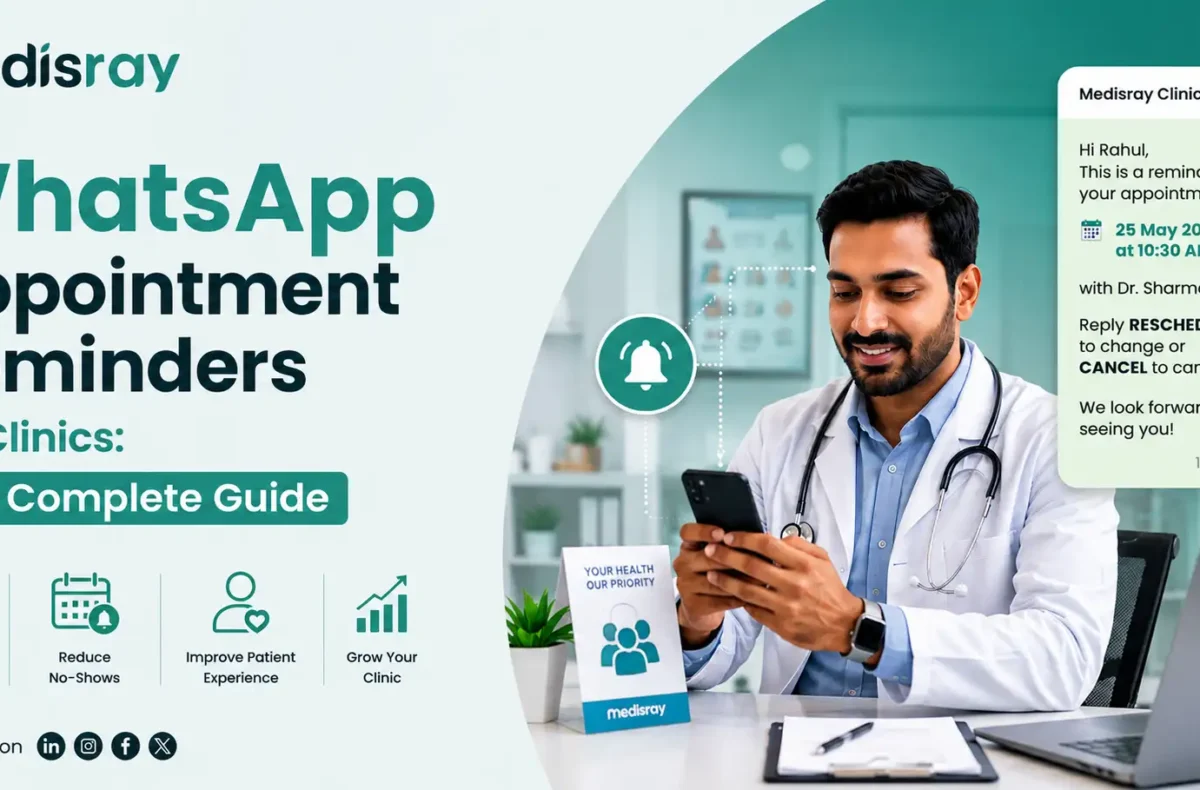
WhatsApp appointment reminders let clinics send automated, two-way booking confirmations and nudges through the app patients actually open. They cut no-shows by reaching people on a channel with far higher engagement than SMS, in their own language, with a single tap to confirm or reschedule. Sent as Meta-approved “utility” templates with patient consent, they’re low-cost and compliant.
Empty chairs are expensive. Every patient who forgets an appointment is lost revenue, a wasted slot another patient could have used, and idle staff time. For most Indian clinics, the fix isn’t more reminder phone calls, it’s reaching patients where they already are. This guide covers why WhatsApp outperforms SMS, the reminder timing that actually protects your schedule, the consent and DPDP rules you must follow, and why reminders built into your clinic software beat bolted-on tools.
Why do WhatsApp reminders beat SMS for Indian clinics?
WhatsApp beats SMS for Indian clinics on these fronts: engagement and interaction. Patients open WhatsApp messages far more reliably than SMS, which often go unread or land in spam folders. WhatsApp also handles regional-language text and scripts cleanly.
The engagement gap is the big one. Industry reports consistently put WhatsApp open rates well above SMS and email, because it’s the app most Indian patients check throughout the day, while an SMS from an unknown sender is easy to ignore. For a reminder, being read is the entire job, an unread reminder prevents zero no-shows.
The format helps too. Because WhatsApp is conversational, a patient can reply in the same thread to confirm, cancel, or ask a question. Turning a one-way reminder into a two-way exchange that a plain SMS can’t match. Messages can also carry richer detail, like the clinic’s location or directions, in a form patients can save and find again. That interaction is what converts a reminder into a confirmed, protected slot.
SMS still has a role as a fallback for patients who don’t use WhatsApp. But as the primary reminder channel for most Indian clinics, WhatsApp wins.
How do automated WhatsApp reminders reduce no-shows?
Automated reminders reduce no-shows by solving the main cause, patients simply forgetting and by making it effortless to cancel early so the slot can be refilled. Systematic reviews of appointment reminders find they cut non-attendance by roughly a third on average, and a confirm-or-reschedule prompt adds a further drop by turning a passive reminder into an active commitment.
The mechanism is simple. Most missed appointments aren’t deliberate; the patient booked weeks ago and it slipped their mind. A well-timed reminder closes that memory gap. Baseline no-show rates in general and specialist care commonly run anywhere from 5% to 30%, and studies show reminders bring that down substantially.
Two-way WhatsApp reminders go one step further. When a patient taps “Confirm,” they make a small psychological commitment that makes them more likely to attend. When they tap “Reschedule” or “Cancel,” you learn about the gap early enough to offer that slot to someone on your waitlist, so an unavoidable cancellation stops being a dead slot and becomes a filled one. Automating the whole sequence means it happens for every patient, every time, without your front desk making a single call. For a deeper look at the operational side, see our guide on how to reduce no-shows at your clinic.
What reminder timing actually works?
The reminder schedule that works best for clinics is a three-touch sequence: a confirmation the moment the appointment is booked, a reminder 24 hours before, and a final nudge about 2 hours before. Add a recall message for patients due a follow-up. This spacing catches patients early enough to refill cancelled slots and late enough to beat last-minute forgetfulness.
Here’s the cadence to set up:
- On booking (Instant confirmation): Sent the moment the appointment is made. Confirms date, time, doctor, and clinic, and gives the patient a record they can find later.
- 24 hours before (The main reminder): This is the workhorse. A day’s notice is enough time for the patient to rearrange their plans or, if they can’t make it, to cancel so you can refill the slot.
- 2 hours before (The final nudge): A short same-day reminder that catches anyone who forgot despite the 24-hour message. Especially useful for busy urban clinics.
- Recall reminders (For follow-ups and check-ups): For patients due a review, vaccination, or routine check, a recall message brings them back before they drift away. This protects long-term revenue, not just tomorrow’s schedule.
Keep each message to a single clear action. Sending more messages isn’t better. The goal is reaching the patient at the right moments, not flooding their chat.
Do you need patient consent to send WhatsApp reminders?
Yes. WhatsApp’s Business rules require explicit, demonstrable opt-in before a clinic messages a patient, and India’s data-protection law reinforces this. You must record that the patient agreed to receive WhatsApp messages, send only approved templates, and honour any opt-out request promptly. Consent is not optional, messaging without it risks your number being blocked.
Two rulebooks apply here. The first is Meta’s own WhatsApp Business policy, which states you may only message people who gave you their number and opted in to receiving messages, that business-initiated messages must use pre-approved templates, and that you must respect opt-out requests. Ignoring this drags down your account quality rating and can get your number suspended.
The second is India’s Digital Personal Data Protection framework. A patient’s phone number and appointment details are personal data, so you need consent to process and message it, you should use it only for the purpose the patient agreed to, and patients can withdraw consent.
The good news: appointment reminders are exactly the kind of expected, useful message patients want, so opt-in rates are high and complaints are rare when you stick to genuine reminders rather than promotions.
Built-in vs bolt-on: why do integrated reminders beat separate tools?
Reminders built into your clinic software beat separate bolt-on tools because they fire automatically from your actual appointment schedule, write confirmations back to the calendar, and keep patient consent and contact details in one place. A bolt-on tool means exporting data, syncing two systems, and managing consent separately: more setup, more errors, and patient data leaving your clinic’s software.
Built-in reminders remove all of that. When reminders are part of the same platform that runs your appointments, walk-ins, and patient records, the reminder is triggered by the booking itself, a “Confirm” tap updates the schedule automatically, and consent is tracked in the patient’s own record. There’s nothing to configure, sync, or reconcile. It just works alongside the scheduling you already do.
This is the approach Medisray takes: appointment and walk-in management and patient communication live in one system, so reminders work off your real schedule instead of a copied-out list. No separate tool, no exporting patient data, no double entry.
Frequently Asked Questions
Can clinics send appointment reminders on WhatsApp?
Yes. Clinics can send appointment reminders through the WhatsApp Business Platform using Meta-approved “utility” templates. You need the patient’s phone number and their opt-in consent, and the message must be a genuine reminder rather than a promotion. This is a standard, widely-used, compliant use of WhatsApp.
Is patient consent required for WhatsApp reminders?
Yes. WhatsApp’s Business policy requires explicit opt-in before messaging a patient, and India’s DPDP framework treats patient contact details as personal data that needs consent. Capture opt-in at registration, record it in the patient’s file, and always honour opt-out requests to stay compliant and protect your account.
What’s a good WhatsApp reminder schedule for a clinic?
A three-touch sequence works well: an instant confirmation when the appointment is booked, a reminder 24 hours before, and a short nudge about 2 hours before. Add recall messages for patients due follow-ups. Keep each message to one clear action and avoid over-messaging.
WhatsApp vs SMS for clinic reminders, which is better?
WhatsApp is generally the stronger primary channel for Indian clinics because patients open it far more reliably than SMS, it handles regional languages cleanly, and it’s two-way so patients can confirm or reschedule with a tap. SMS still works as a fallback for patients who don’t use WhatsApp.
How much do WhatsApp appointment reminders reduce no-shows?
Peer-reviewed studies of appointment reminders show an average relative reduction in non-attendance of around a third, with confirm-or-reschedule prompts adding further improvement. Actual results vary by clinic, baseline no-show rate, and how consistently reminders are sent, automation is what makes the effect reliable.
Do WhatsApp reminder templates need Meta approval?
Yes. Any business-initiated WhatsApp message uses a pre-approved template. Appointment reminders fall under the “utility” category, which is the fastest to approve and the cheapest per message, as long as the content stays transactional and free of promotional language.
See it work in your clinic
If you’re tired of empty slots and reminder phone calls, the simplest fix is reminders that run themselves off your real schedule. In Medisray, appointment management and patient communication sit in the same system, so there’s no separate reminder tool to set up, sync, or maintain.
Start with Medisray or book a demo to see reminders and scheduling working together.