

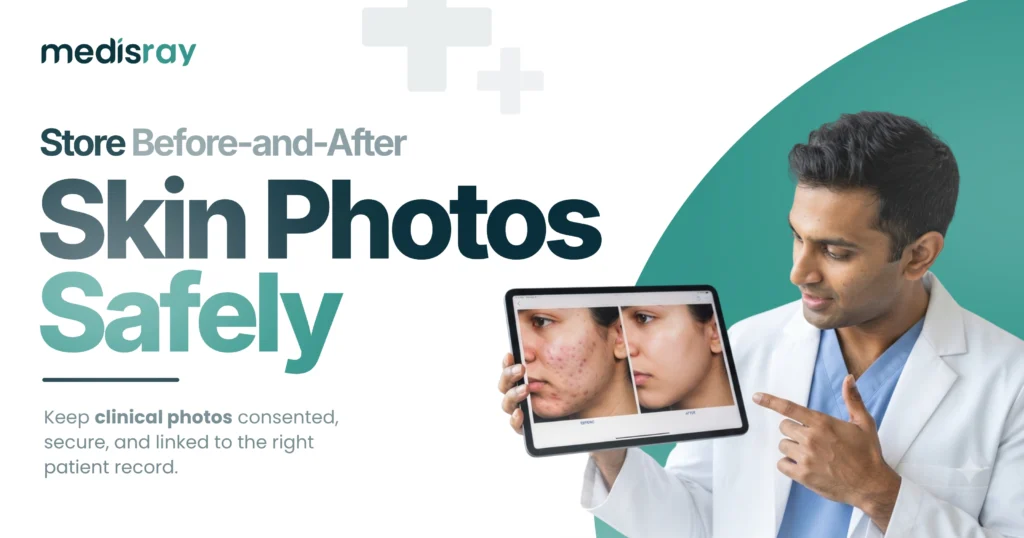
Before-and-after photos are one of the most powerful tools a skin clinic has, showing progress in a way words never can. But they are also sensitive personal data, and storing them carelessly, in a phone gallery or a shared folder, puts your patients and your practice at risk. Keeping proper dermatology photo records means capturing images with consent, storing them securely against the patient record, and controlling who can see them. This guide explains how to do exactly that, why loose photo storage is a liability, and how the right approach turns clinical images into a safe, useful asset rather than a privacy problem. Handled well, your photos document care, build trust, and support your treatment plans.
Why Skin-Clinic Photos Need Special Care
Photos in dermatology are not casual snapshots; they are clinical records of a person’s body, which makes them sensitive personal data under India’s data-protection framework. That raises the stakes for how you capture, store and share them. A photo sitting in a personal phone gallery can be seen by anyone who picks up the device, backed up to a personal cloud you do not control, or shared by accident. The same image, attached to the patient record inside secure software, is protected, traceable and useful. The difference is not the photo; it is where it lives and who can reach it.
Start With Consent, Every Time
Consent is the foundation of safe photo records. Before you take a clinical photo, the patient should understand and agree to it being captured, stored, and used for their care, and separately for anything beyond care, such as marketing or teaching. That consent should be recorded, not assumed. This protects the patient’s rights and protects you if a question ever arises. Our DPDP Act guide for clinics explains the wider consent duties, and they apply with particular force to images. A simple rule holds: no clinical photo without clear, recorded consent, and never reuse a treatment photo for promotion without separate permission.
Where Photos Should Live: In the Record, Not the Gallery
The single most important step is to store images against the patient record inside your clinic software, not on a personal device. When a photo is attached to the record, it sits alongside the notes and treatment plan it belongs to, it is protected by the software’s security, and it is easy to find at the next visit. A phone gallery offers none of this: images are mixed with personal photos, hard to match to the right patient later, and exposed if the phone is lost. Treat the patient record as the only correct home for a clinical image.
Security That Photos Demand
Because these images are sensitive, they need the same protections as the rest of your patient data, and arguably more visibility control. Look for encryption so images are protected at rest, role-based access so only the staff who need to see a photo can, and secure hosting rather than a random cloud drive. The question of who ultimately controls these records matters too, which our guide on who owns your patient data covers. If your current method is a shared phone or an open folder, any of these protections is a large step up.
Making Photos Genuinely Useful
Safe storage is not only about avoiding risk; done well, it makes your photos far more valuable clinically. Being able to line up images from different dates side by side turns a scattered set of pictures into a clear record of progress that you and the patient can both see. That visible improvement reassures patients, supports your treatment decisions, and helps them stay committed to a plan they can watch working. Organised, dated, record-linked photos are a working clinical tool; a chaotic gallery is just clutter you cannot rely on.
Sharing Photos Without Creating Risk
Sometimes you need to share an image, for a teleconsultation, a second opinion, or with the patient themselves. Do it through secure means rather than casual messaging where the image can be forwarded and lost. Share only what is needed, with the patient’s knowledge, and keep the master copy on the record. For teledermatology in particular, a proper flow where the patient uploads images securely and they land on the record is far safer than photos pinging around a personal chat. The principle is consistent: control the image, keep the original in the record, and share deliberately, not loosely.
Common Mistakes to Avoid
Most photo-privacy problems come from a few habits worth breaking. Storing clinical images in a personal phone gallery. Skipping recorded consent because it feels routine. Reusing a treatment photo for marketing without separate permission. Sharing images over casual chat apps where they cannot be controlled. And keeping photos in a folder disconnected from the patient record, so they are impossible to match up later. Each of these is easy to fix by moving to consented, record-linked, secure storage, and each is a real liability if left unaddressed.
Building Good Photo Habits Into Your Routine
Consistent photos are more useful photos, so a little routine goes a long way. Try to capture before-and-after images from the same angle, distance and lighting each time, because a fair comparison depends on the shots being comparable rather than one flattering and one not. Take the photo, confirm consent is recorded, and attach it to the patient record straight away, rather than letting images pile up on a device to be sorted later, which is exactly how they get lost or mismatched. Decide as a clinic which treatments you routinely photograph, so nothing important is missed and staff know what is expected. Small, consistent habits like these turn photography from an occasional afterthought into a reliable clinical record. They also make your progress comparisons genuinely trustworthy, which matters when you are using them to guide a treatment plan or to reassure a patient that their course is working as intended.
Turn Sensitive Photos Into a Safe Asset
Before-and-after images are too valuable to store carelessly and too sensitive to leave in a phone gallery. When you capture them with recorded consent, keep proper dermatology photo records attached to the patient file, protect them with encryption and access control, and share them only deliberately, you remove the risk and unlock the value. Your photos become a trusted record of progress that supports care and builds patient confidence, instead of a privacy problem waiting to happen.
If you want a place where clinical photos are captured with consent, stored securely against the patient record, and easy to compare across visits, Medisray for dermatology clinics is built for it. Keep before-and-after images protected by encryption and role-based access, matched to the right patient every time, and always under your control. Try Medisray free or book a demo, and turn your treatment photos into a safe, powerful part of your practice.
Frequently Asked Questions
How should a clinic store before-and-after patient photos?
Store them attached to the patient record inside secure clinic software, protected by encryption and role-based access, with recorded consent, rather than in a personal phone gallery or an open folder.
Is it legal to take patient photos in India?
Yes, with the patient’s informed consent. Clinical photos are sensitive personal data, so capture consent, store them securely, and get separate permission before using any image beyond the patient’s care.
Do I need consent to take clinical photos?
Yes. Record the patient’s consent to capture and store the image for their care, and take separate consent for any other use such as marketing or teaching.
Why is storing patient photos on a phone a bad idea?
A phone gallery mixes clinical images with personal photos, is exposed if the device is lost, may back up to a cloud you do not control, and is hard to match to the right patient later.
How do I securely share a dermatology photo for a second opinion?
Share only what is needed, through secure means rather than casual chat apps, with the patient’s knowledge, and keep the original attached to the patient record.
Can dermatology software compare before-and-after photos?
Good dermatology software lets you view images from different dates side by side against the record, turning a set of photos into a clear, usable record of progress.
What security should patient photos have?
Encryption so images are protected at rest, role-based access so only authorised staff can view them, and secure hosting, in line with your duties for sensitive patient data.
Can I use a patient’s before-and-after photo for marketing?
Only with the patient’s separate, explicit consent for that use. Consent to store a photo for care does not cover promotion, so ask and record it separately.